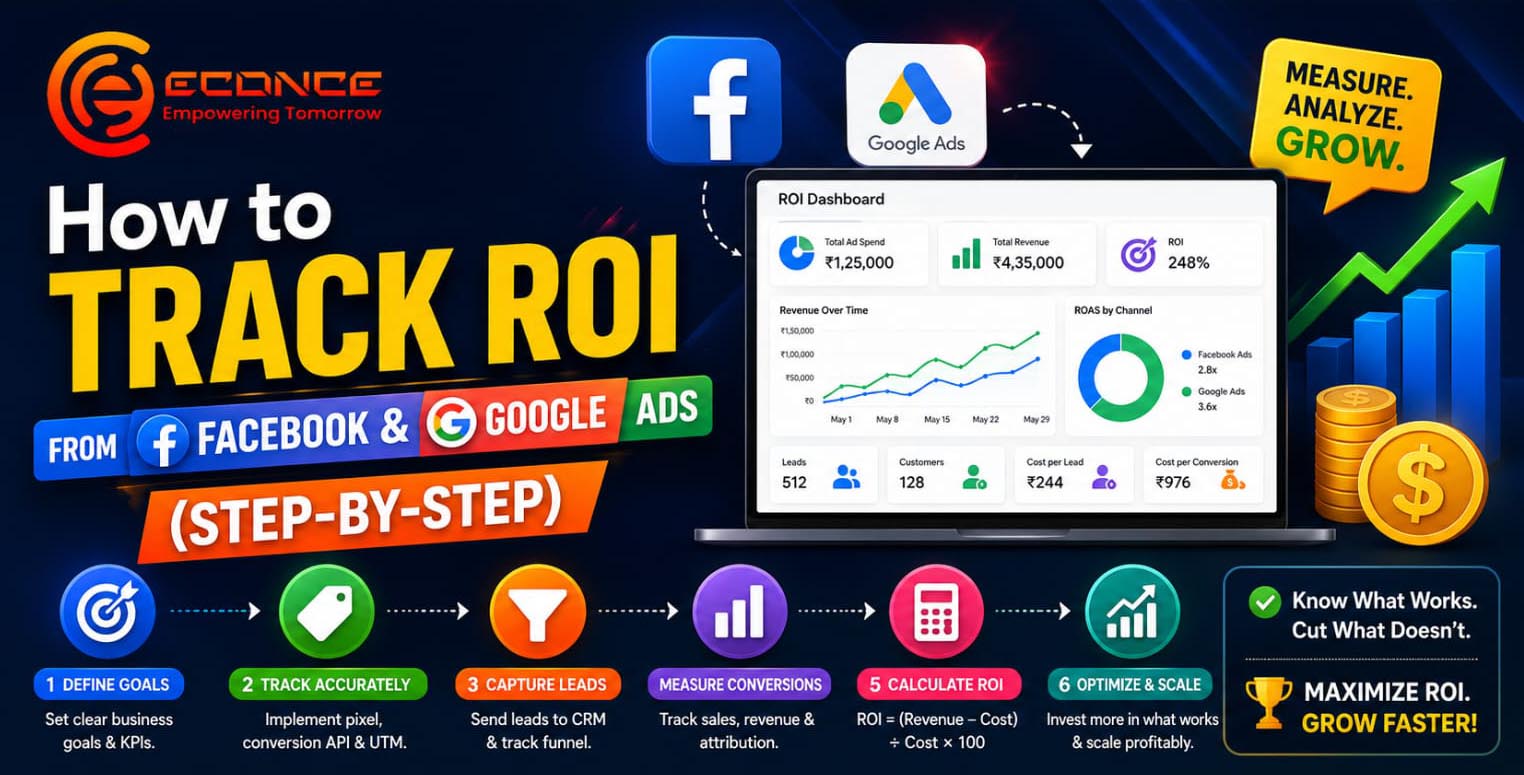
How to Track ROI from Facebook & Google Ads (Step-by-Step)
The Complete Guide to Measuring Advertising Performance, Lead Conversion & Marketing Profitability
Running digital ads is easy.
Tracking actual ROI is where most businesses fail.
Many companies spend heavily on:
- Facebook Ads
- Instagram Ads
- Google Ads
- YouTube Ads
- Lead Generation Campaigns
But very few businesses can clearly answer:
👉 “Which campaigns are actually generating revenue?”
Without proper ROI tracking, businesses often:
- Waste advertising budget
- Scale ineffective campaigns
- Ignore high-performing audiences
- Lose qualified leads
- Make decisions based on assumptions instead of data
This is why ROI tracking has become one of the most important components of modern digital marketing strategy.
In this guide, we’ll explain how businesses can accurately track ROI from Facebook Ads and Google Ads using CRM systems, lead tracking, conversion tracking, and marketing analytics.
What is ROI in Digital Advertising?
ROI (Return on Investment) measures how much revenue your advertising campaigns generate compared to the amount spent.
Basic ROI Formula
ROI =
(Revenue Generated – Advertising Cost) ÷ Advertising Cost × 100
Example:
- Ad Spend: ₹50,000
- Revenue Generated: ₹2,00,000
ROI = 300%
This means the campaign generated 3x return on ad spend.
Why Most Businesses Fail to Track ROI Properly
Many businesses only track:
- Clicks
- Likes
- Reach
- Impressions
- Website traffic
But these metrics alone do not measure business growth.
The real indicators are:
✅ Qualified leads
✅ Appointments booked
✅ Sales generated
✅ Revenue earned
✅ Customer acquisition cost
✅ Lead conversion rate
Without connecting ad campaigns to actual conversions, marketing data remains incomplete.
Step 1: Define Your Conversion Goals
Before running ads, businesses must define what counts as a conversion.
Common Conversion Goals
For Clinics
- Appointment bookings
- Consultation enquiries
- WhatsApp leads
- Phone calls
For Coaching Centers
- Admission enquiries
- Demo class registrations
- Counselling bookings
For Real Estate Businesses
- Property enquiries
- Site visit bookings
- Qualified buyer leads
For E-Commerce Businesses
- Purchases
- Add-to-cart actions
- Checkout completions
Clear conversion goals improve campaign tracking accuracy.
Step 2: Install Facebook Pixel & Google Tracking Tools
Tracking starts with proper setup.
Facebook Pixel
Facebook Pixel helps businesses track:
- Website visitors
- Form submissions
- Purchases
- Lead conversions
- Retargeting audiences
It allows businesses to understand:
- Which ads generate conversions
- Which audiences perform best
- Which campaigns produce revenue
Google Analytics 4 (GA4)
Google Analytics tracks:
- User behavior
- Website traffic sources
- Conversion pathways
- Landing page performance
- Traffic quality
GA4 provides deep insights into customer journeys.
Google Tag Manager (GTM)
Google Tag Manager simplifies:
- Event tracking
- Conversion setup
- Pixel management
- Form tracking
- Button click tracking
It improves tracking flexibility without requiring constant developer intervention.
Step 3: Track Every Lead Source
One of the biggest mistakes businesses make is failing to track lead origins.
Businesses must identify:
- Which campaign generated the lead
- Which platform performed best
- Which audience converted
- Which keyword produced revenue
This requires:
✅ UTM tracking
✅ CRM integration
✅ Lead source mapping
What Are UTM Parameters?
UTM parameters are tracking tags added to URLs.
They help identify:
- Traffic source
- Campaign name
- Ad type
- Audience segment
Example:
- Facebook campaign
- Google Search campaign
- Retargeting ad
- WhatsApp campaign
UTM tracking improves attribution accuracy.
Step 4: Use a CRM for Lead Tracking
A CRM (Customer Relationship Management System) is critical for accurate ROI tracking.
Without CRM integration, businesses cannot:
- Track lead status
- Monitor follow-ups
- Measure conversion rates
- Calculate actual revenue
What a CRM Should Track
Lead Information
- Name
- Phone number
- Source
- Campaign
Conversion Stages
- New lead
- Contacted
- Interested
- Follow-up pending
- Converted customer
- Lost lead
Revenue Attribution
The CRM should connect:
- Ad source
- Lead source
- Revenue generated
This helps calculate true marketing ROI.
Step 5: Track Calls & WhatsApp Conversions
Many businesses generate leads through:
- Phone calls
- WhatsApp enquiries
- Website chat
But these conversions are often not tracked properly.
Modern systems allow businesses to track:
✅ Call enquiries
✅ Missed calls
✅ WhatsApp leads
✅ Appointment confirmations
✅ Follow-up status
This improves visibility into actual lead performance.
Step 6: Measure Cost Per Lead (CPL)
Cost Per Lead is one of the most important digital marketing metrics.
Formula
CPL = Total Ad Spend ÷ Total Leads Generated
Example:
- ₹20,000 ad spend
- 100 leads generated
CPL = ₹200 per lead
This helps businesses compare campaign efficiency.
Step 7: Measure Cost Per Acquisition (CPA)
CPA measures how much it costs to acquire a paying customer.
Formula
CPA = Total Ad Spend ÷ Total Customers Acquired
Example:
- ₹50,000 ad spend
- 25 customers acquired
CPA = ₹2,000 per customer
CPA is more important than clicks or impressions because it measures actual business results.
Step 8: Analyze Lead Quality
Not all leads are valuable.
Businesses should track:
- Qualified leads
- Conversion-ready leads
- High-intent enquiries
- Revenue-generating customers
Some campaigns produce:
- High lead volume
- Low conversion quality
Others generate:
Lower lead volume
Higher profitability
Quality matters more than quantity.
Step 9: Build Automated Follow-Up Systems
A major reason businesses lose ROI is poor follow-up management.
Automation helps businesses:
- Respond instantly
- Send reminders
- Re-engage cold leads
- Reduce lead leakage
- Improve conversion consistency
This significantly improves ad performance without increasing advertising spend.
Step 10: Create ROI Dashboards
Smart businesses use marketing dashboards to monitor:
- Ad spend
- Leads generated
- Conversion rates
- Revenue
- ROI percentage
- Best-performing campaigns
A centralized dashboard simplifies decision-making.
Important Metrics Every Business Should Track
Facebook Ads Metrics
- CTR (Click Through Rate
- CPC (Cost Per Click)
- CPL (Cost Per Lead)
- ROAS (Return on Ad Spend)
li>Conversion Rate
Google Ads Metrics
- Quality Score
- Search Impression Share
- Conversion Rate
- CPA
- Keyword Performance
Common ROI Tracking Mistakes
Tracking Only Leads
Leads alone do not indicate profitability.
Track actual revenue.
No CRM Integration
Without CRM systems, attribution becomes inaccurate.
Ignoring Follow-Ups
Even high-quality leads fail without proper follow-up.
Poor Landing Pages
Weak landing pages reduce conversion efficiency.
No Retargeting Strategy
Retargeting improves conversion rates significantly.
Why ROI Tracking Matters More Than Ever
Advertising costs on:
continue to rise.
Businesses can no longer rely on guesswork.
Companies that track:
✅ Lead quality
✅ Conversion rates
✅ Revenue attribution
✅ Customer acquisition cost
✅ Follow-up performance
will consistently outperform competitors.
Final Thoughts
Successful digital marketing is no longer about generating traffic alone.
The real goal is:
👉 Turning advertising spend into measurable business growth.
Businesses that implement:
- Conversion tracking
- CRM systems
- Lead attribution
- Follow-up automation
- ROI dashboards
can make smarter marketing decisions and scale profitably.
In modern marketing, data-driven businesses win.